
Snapchat Planets in Order & Meanings 2026: Top Ranking Guide
Explore Snapchat Planets in Order and understand the meaning of Snap Solar System and Best Friends List. Full Guide on each Snapchat Planet orbits.
What are the Snapchat Planets?
Snapchat Planets is a well known feature of Snapchat Plus that allows users to view their close friends in a fun way. It includes a stunning solar system layout in which you appear as the sun and your top eight friends show as planets orbiting around you. Every planet represents the position of a friend based on how much you talk to them through chats, streaks or snaps. The more you talk or interact with a friend the nearest its planet will be in orbit.
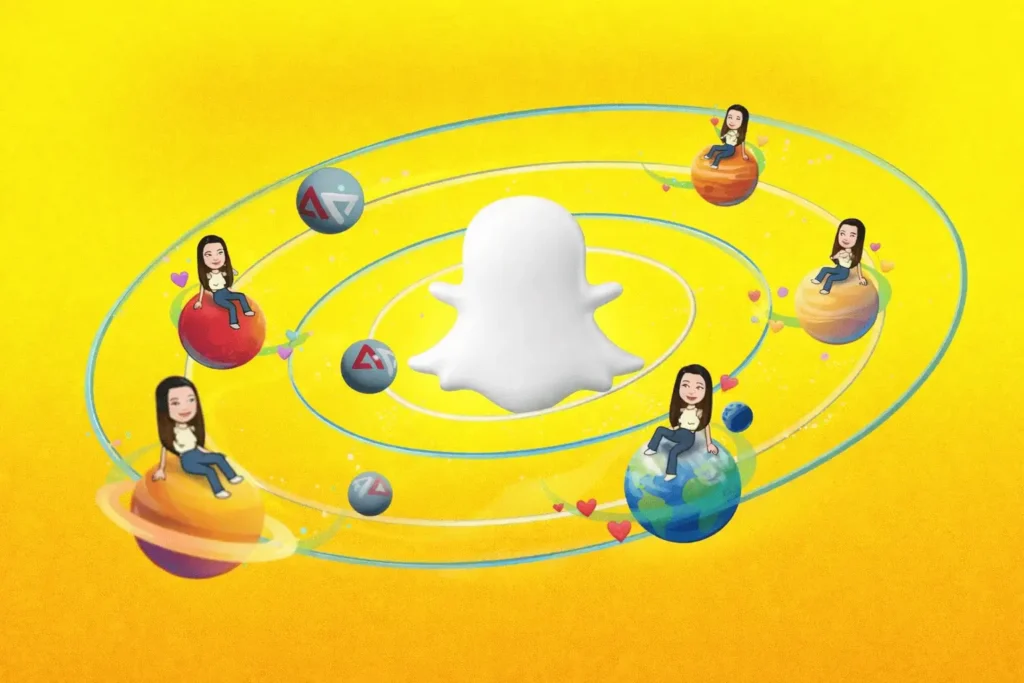
Snapchat + Planets simply turns everyday interactions into a visual system that shows how close you are to your friends. It helps users understand the connection or level of friendship in an easy or engaging way.
What is the Friend Solar System on Snapchat?
Friend Solar System is basically a certain feature in the Snapchat universe that is only accessible by the users paying for its plus version. This feature comes with a unique concept of the solar system for visually representing your closest friends according to the communication you have with them in the app.
In this Friendship Solar System, your profile is positioned as the sun and the eight top friends are shown as planets that move around you. The closer planet means that you are talking with that friend frequently. All the planets follow the original solar system order so that users can effortlessly check which friends they interact with the most.
With time, every planet changes its position because your in-app activity affects their Engagement Patterns. For example if you stop interacting with a friend for a longer time its planet will go far away from the sun and the others. This makes the Snapchat Planets feature truly awesome and popular among the users. It can be said that the Friend Solar System simplifies for users to check which friends are closest to you by turning the digital friendships into an eye catching visual experience.
Conditions to See Planets
In order to see planets you have to pay for Snapchat Plus because this feature is only available for paid users. Besides, you need an active friendship for sending each other text messages, or snaps frequently. Planets in Snapchat only appear for your top friends based on your interaction with them. If you are new to Snapchat Galaxy and do not have many friends then you may not be able to view planets as active friends are required.
Snapchat Planets Order in Detail
With the Snapchat planet you can understand how it arranges your top friends according to your interaction with them. These planets are positioned in the exact order like the real solar system that makes the Snapchat planets in order easy to know. Below is a detailed information guide.

Mercury – Best Friend (BFF)
It indicates your one of the closest best friends on Snapchat. When you begin interacting with your most favorite friend regularly in the app by sharing snaps or via chats your connection with each other becomes really strong. Due to such stronger daily interaction Snapchat ranks that friend as number one fully nearest to the sun.
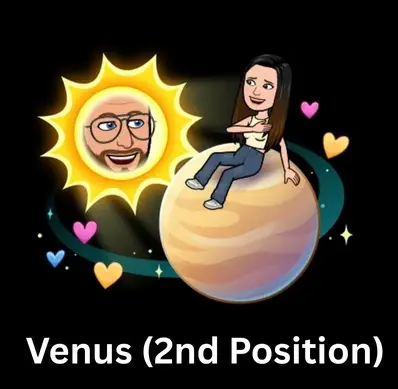
Venus – Close Friend
This planet reflects your second closest friend on Snapchat who shares a lot of snaps or communicates almost everyday. It stands as one step behind your first friend that also plays an essential role in your app activity. For this close connection it shows Venus as the other closest planet orbiting near you.
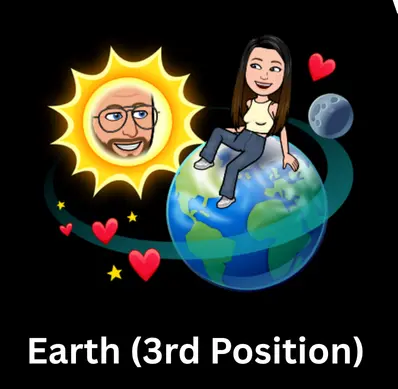
Earth – Strong Friend
Earth on Snapchat shows the third best friend after the top two with balanced friendship. Whenever, the app sees a consistent level of conversation between you and a specific person it means you have a friendship bond with it but less than other friends.
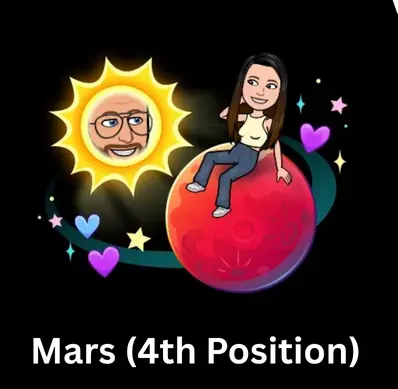
Mars – Good Friend
Mars represents your friendship with less communication than the other planets. It shows active interaction but not similar like the other top friends. You may send chats or snaps but it’s not very frequent that shows the friendship is good but does not come in the closest level.
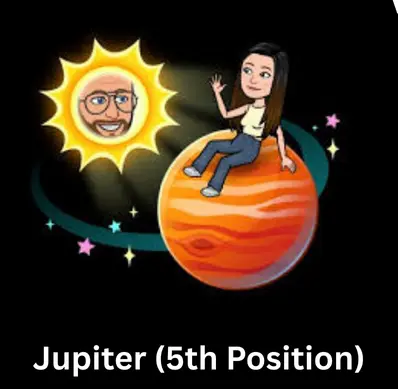
Jupiter – Casual Friend
It is the planet that shows your contact with a person with a moderate level of interaction like a casual friend. As compared with the rest of your top best friends list you do not exchange snaps or chats daily but still have an active connection. So that’s why it stays in the top friends but slightly far from other planets.
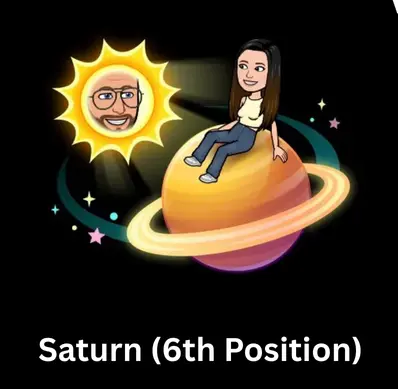
Saturn – Occasional Friend
When you only talk with a friend on specific occasions but know it very well it points as the infrequent contact. Suppose you rarely send a snap or message or do not speak to it on a regular basis. This level of connection is considered less active and based on this it is placed as Saturn among other Snapchat Orange Planets.
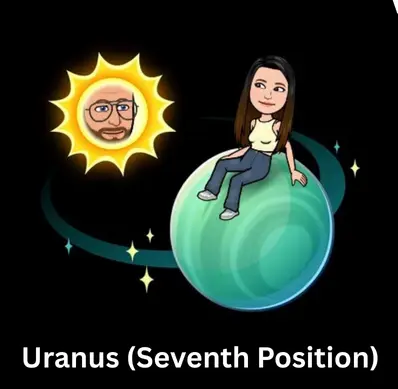
Uranus – Acquaintance Friend
This green planet shows a friend where your interaction is very low rather than all the others. You might have added each other but the communication is almost inactive for a longer time. For this reason it shows the distance between friendship among other best friends and gets ranked as Uranus.
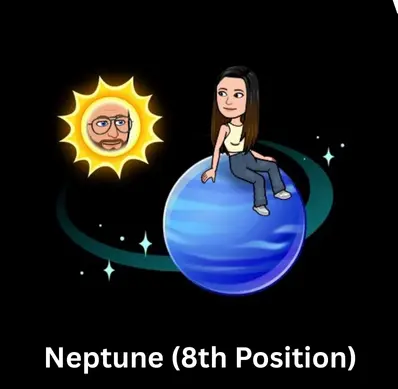
Neptune – Minimal Interaction Friend
With this planet you see a friend with whom you have least interaction among the top eight friends on Snapchat. It is the last and more distant planet that tells you have never sent a single message to this person and the conversation never started between you two. But still it comes in the best friend list in Snapchat planet.
Best Friends Badge vs Friends Badge
A lot of users do not know about profile badges and get confused when they see them for the first time especially when they try to find out how the rankings system really works. All the badges are connected with the Snapchat solar planet system that show users positions in others best friend list.
Best Friends Badge
The best friend badge becomes visible when you and another user are both included in each other’s top eight friends list. By tapping on this gold badge you can view the position of your planet in their friend solar system to view that you are placed among their closest friends. Because it reveals that both users are placed high in each other’s friend ranking according to their in-app activity.
Friends Badge
If a profile contains a friend badge it means that friendship connection is not equal from both sides. In simple words, you might be positioned as a planet in their solar system but they are not added to yours. It happens when one person chats or snaps more than the other one and in result the ranking becomes higher on a single side. In such a situation, the planets are still present but the friend ranking is not the same.
Purpose Of Snapchat Planets
The primary purpose of Snapchat Planet is to indicate your friendship level with your best friends in a unique way. However, this feature is unavailable in the free version of Snapchat and accessible to those having Snapchat Plus which is a pro version. It is developed to see which friends are closer according to their chats or snaps. Users can instantly see their top friends in the app through planets with which they interact the most. In short, Snapchat Planet is a beneficial feature which makes the ranking of all friends clear without checking chat information.
How to Get Snapchat Planet Order?
For getting a Snapchat Planet order first of all you have to subscribe to the Snapchat Plus. Then you need to go to your Snapchat profile and tap on this option Snapchat plus card and enable the Friend Solar System. After that the planets will be assigned to all your best friends and your planet order will be automatically created. You can go to the friend list/chart to view the planet order in the app.
What Does Snapchat Plus Mean?
Snapchat Plus is a premium version of the app that offers users some exclusive features not available in the free version. These include customizations, special tools. Snapchat Planet, story rewatch count, and much more. Using the Snapchat Plus you can get rid of advertisements, ghost trails on snap maps. It also lets users use custom bitmoji planets, pin one best friend on the top of the chat list.
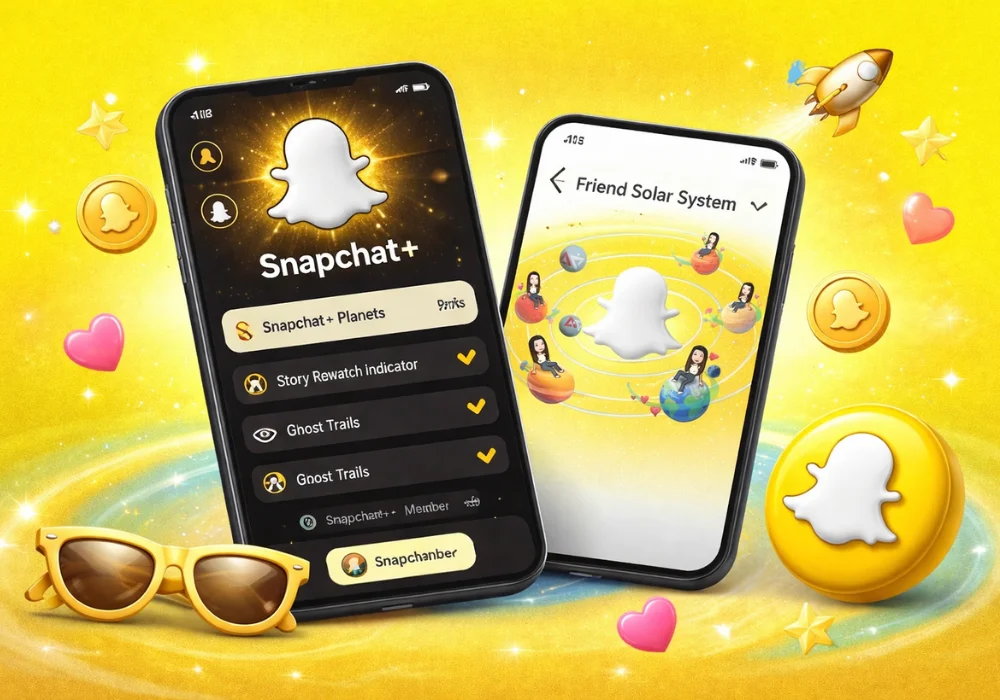
You also get access to AI tools such as AI chat wallpapers, or suggestions for captions. Users can extend the expiration for stories up to one week instead of 24 hours. You have to pay for a subscription to get Snapchat Plus that enhances users experience with early access to pre release and some next level app features.
Snapchat Plus Subscription: Details & Pricing
Snapchat Plus subscription comes in three different plans that includes monthly, 6 month or 12 month plans. The one month plan costs $3.99, while the price of 6 month subscription is $21.99 and the yearly cost users with $39.99. It gives users flexibility to choose one according to their requirement.
However, the prices may be different for some countries and a free 7 day trial is offered sometimes for the new users. When you subscribe to a plan it unlocks all the premium app features and offers access to some AI powered lens too. Each plan enables access to the pro features locked for free users and the only difference is the duration.
How to Buy a Snapchat Plus Subscription?
To purchase the Snapchat Plus subscription you need to go to your profile. For this tap on the Bitmoji Custom App Icons located on the top and it will take you into the profile page. There you will see a banner or card of Snapchat Plus. When you tap it a subscription page will appear asking you to choose your desired plan like monthly or yearly. Pick one and provide all the required details and confirm the payment via credit card or other available methods as per your choice. Once the payment is done Snapchat Plus will be quickly activated and you can use all the perks of it.
How Does the Snapchat Planets System Work?
The Snapchat Planet system is not a free to use feature and is available only when users buy the Snapchat Plus. It works by showing the friendship level with your eight closest friends in a solar system. It simply checks how frequently you chat, send snaps or interact with your friends. By analyzing this it ranks best friends from closest to distant.Then a planet position is assigned to each friend around you to describe its connection.
The friend you talk with all the time will become Mercury, which is one of the closest planets. After this the next strong friend will be pointed as Venus, then Earth and it will go this way until Neptune. By following this order it shows the interaction level with all your friends in Snapchat.
This system automatically updates as per users snap or chat activities. When you give priority to a specific friend and only talk with it, the planet’s position will change and move closer. On the other hand if you stop interaction with one of your friends suddenly its planet position will be moved to a distance. So, this is how the Snapchat Planet system works in real time.
Is the Solar System Snapchat Not Working?
The Snapchat Solar System works absolutely perfect but it’s available for users that pay for Snapchat Plus. It is disabled by default and users have to enable it from the Snapchat+ Settings. Keep this in your mind that Snapchat plus is required to use this feature. Sometimes, an outdated app version or temporary glitch also become the reason to stop this feature from working.
Updating the app usually fixes this or you can restart the app as well. Suppose you and your friend are not added in each other’s best friend list then in this case planets will not show. Overall, the solar system in Snapchat works with no issues and following the above info you can fix it in case you experience any problems using it.
How to Check Your Planet on a Friend’s Profile
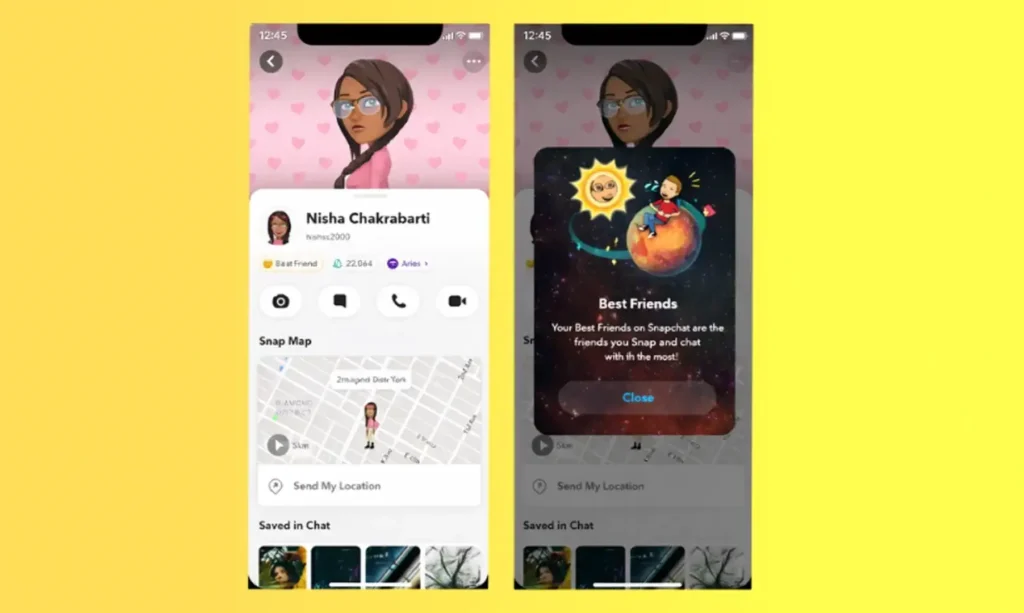
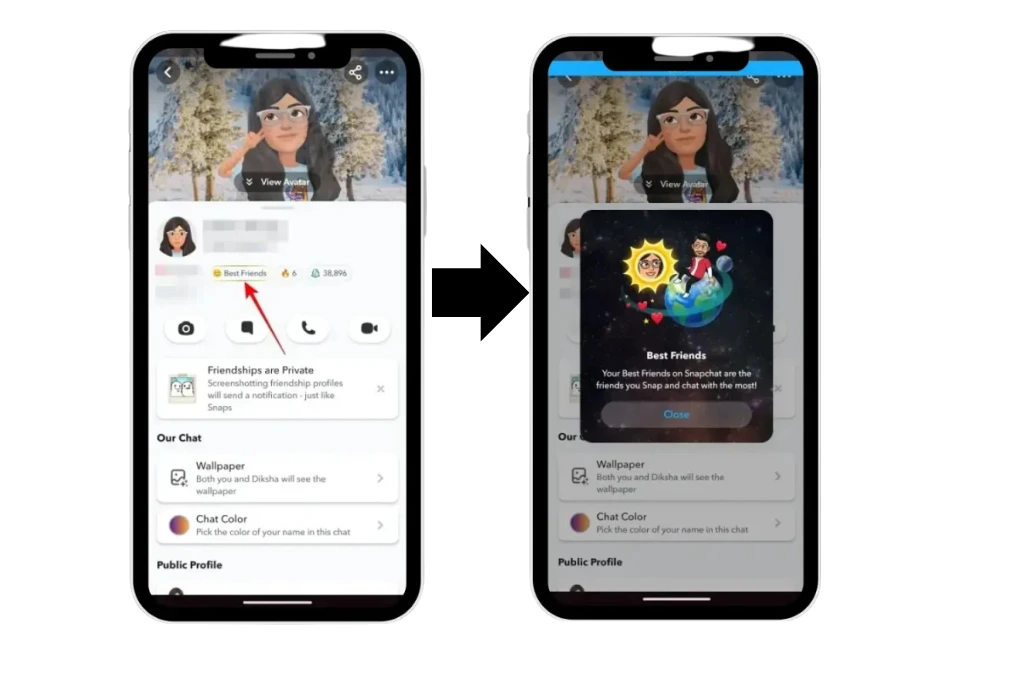
Snapchat has made it relatively easy for users to view their planet in a friend’s solar system. But it’s only limited to users that have a Snapchat Plus plan or enable the Friend solar System. Lets dive into the below steps.
Following the above steps you can see your planet position in your friends profile with ease. That’s how Snapchat Planets reflects the interaction level with friends.
Note: This Snapchat only lets you view your position in a friend profile. It’s not possible for you to view the full snap moon planets or other friends ranking in other solar systems.
Improve Your Position in Snapchat Planet Order
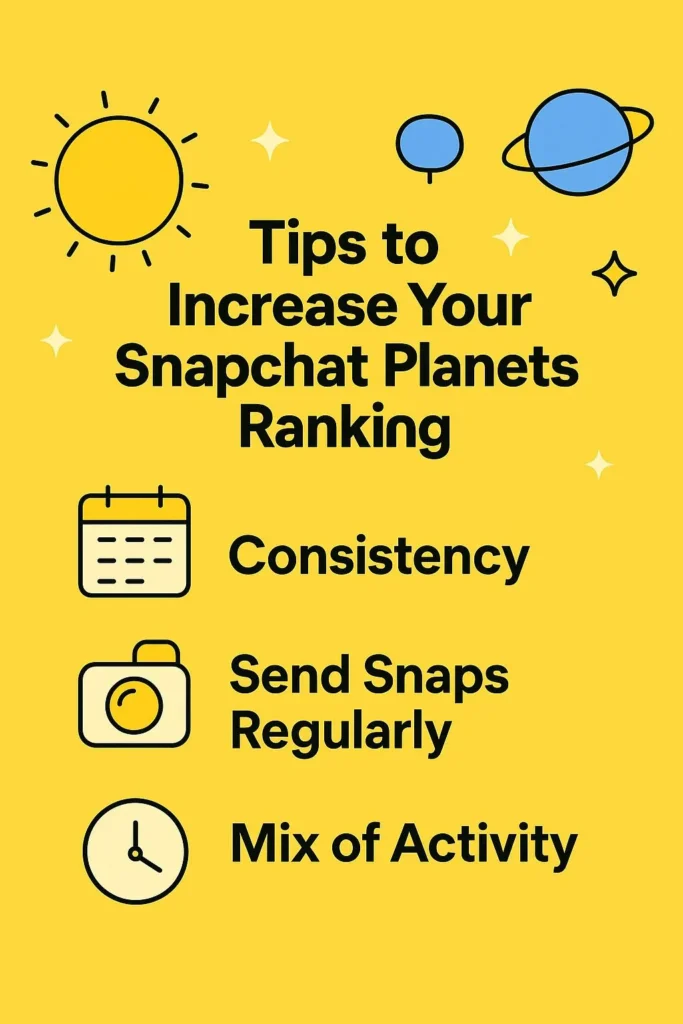
For improving your position in the Snapchat Planet order you are required to increase Interaction Frequency with that friend. Send that person snaps, chat daily or react to its stories. By maintaining the constant conversation you can make your position better and bring your planet close.
Try to not break the streak or continue chatting for longer times by sending voice notes, media files like images, or story replies. The more you stay active in the friendship the more you become engaged with that person than others. That’s the only way to make your position better in Snapchat Planet order.
Can You See Snapchat Planets Without Snapchat Plus?
It is a common question that comes to plenty of users’ minds that it is possible to see the Snapchat Planets for free. However the answer is no as it’s a premium feature. Users having Snapchat Plus are only eligible to view the planets.
No Permanent Free Access
The planet’s system in Snapchat is not a free to use feature and users that pay for the subscription can only utilize it. Getting the plus is necessary because without it the planet’s system along with rankings remain hidden.
Snapchat+ Free Trial (Temporary)
First time users can get a free trial for a few days to use the Snapchat Plus. You can explore all the features that are labeled as premium along with snap planets without spending a single cent. But when the trial period finishes the access will be terminated and you have to subscribe for accessing the planets feature.
Friend’s Account Myth
Many users say that using a friend account Snapchat planets can be viewed. But in reality it does not make the feature accessible for you. A Snapchat Plus account is needed for checking your own planet position. Without this, you can not see the planet system whether your friend had it.
Common Problems & Why Snapchat Planets Disappear
You are not alone in this scenario where the Snapchat planets disappeared suddenly. Sometimes, it happens with lots of users and in the majority of the cases it’s easily fixable. Here are some reasons that cause Snapchat numbered planets to stop showing.
Friend Solar System Is Turned Off
The most common reason is that the Friend Solar System feature disabled. It has to be turned on from settings even if you have Snapchat Plus. Until you do not manually enable it, the planets will not appear.
Snapchat Plus Subscription Ended
Planets remain hidden when your Snapchat Plus subscription expires. When this happens you lose access to the plus or premium features including Snapchat Planets. In order to view them again you need to resubscribe.
Temporary App Glitches
When a glitch occurs it becomes the reason for trouble. Even slow internet, or bugs and not updating the app to its latest version also stop the planets from showing. You can try logging out, clear the app cache, or check for updates to fix the issue.
Friend’s Settings or Subscription
When a friend disables the Solar System feature or its Plus plan ends the plants may stop appearing on their profile. However, it does not represent changes to your friendship rankings.
Tips to Improve Your Snapchat Planet Ranking
The Snapchat planets system runs on the base of rankings, or keeps moving the positions up or down with time. The primary reason behind this is your interaction level with best friends. If you do not want to lose your place in the planet’s order then these tips can be really helpful.
Send Snaps More Regularly
Exchanging the snaps with your friend constantly is one of the beneficial ways to keep your position intact in the planet’s order. With frequent snaps sharing you can improve your interaction level easily.
Stay Active in Chats
Apart from sending snaps you need to stay active in the chats. It helps to maintain an active connection and the interaction flows naturally. This is the perfect way to stay close to the planet’s order.
Engage With Stories
For getting the higher rank in planets order seeing the story of friends, giving replies or story reactions also helps a lot. It enhances the communication which leads to higher rank.
Use Voice or Video Calls
You can boost the interaction by making audio or video calls and snaps too. It shows a stronger connection with friends and helps get the better rank in Snapchat planets.
Be Consistent
It is always better to stay in contact with your friends on a daily basis. Because consistency is the key in getting ranked in Snapchat Planets Algorithm.
Conclusion
Snapchat Planets gives users an outstanding way to view how their friendships are ranked in the app according to the interactions. It turns all the top friends into a solar system that makes it easier to understand who you are communicating the most without going through complex numbers or huge lists. However, the planet’s positions are only for information purposes and does not provide any insights about relationships in real life. It makes the Snapchat Plus more interesting to use, providing users control over their privacy. Therefore, Use Snapchat planets to view your planet position and improve it to stay closer in the order if needed.